
CoPlayConnectPlaying Together. Staying Connected.
Game of the Week
It Takes Two — A co-op adventure built entirely around teamwork. We grade every game on what it actually teaches, so you always know what you're saying yes to.
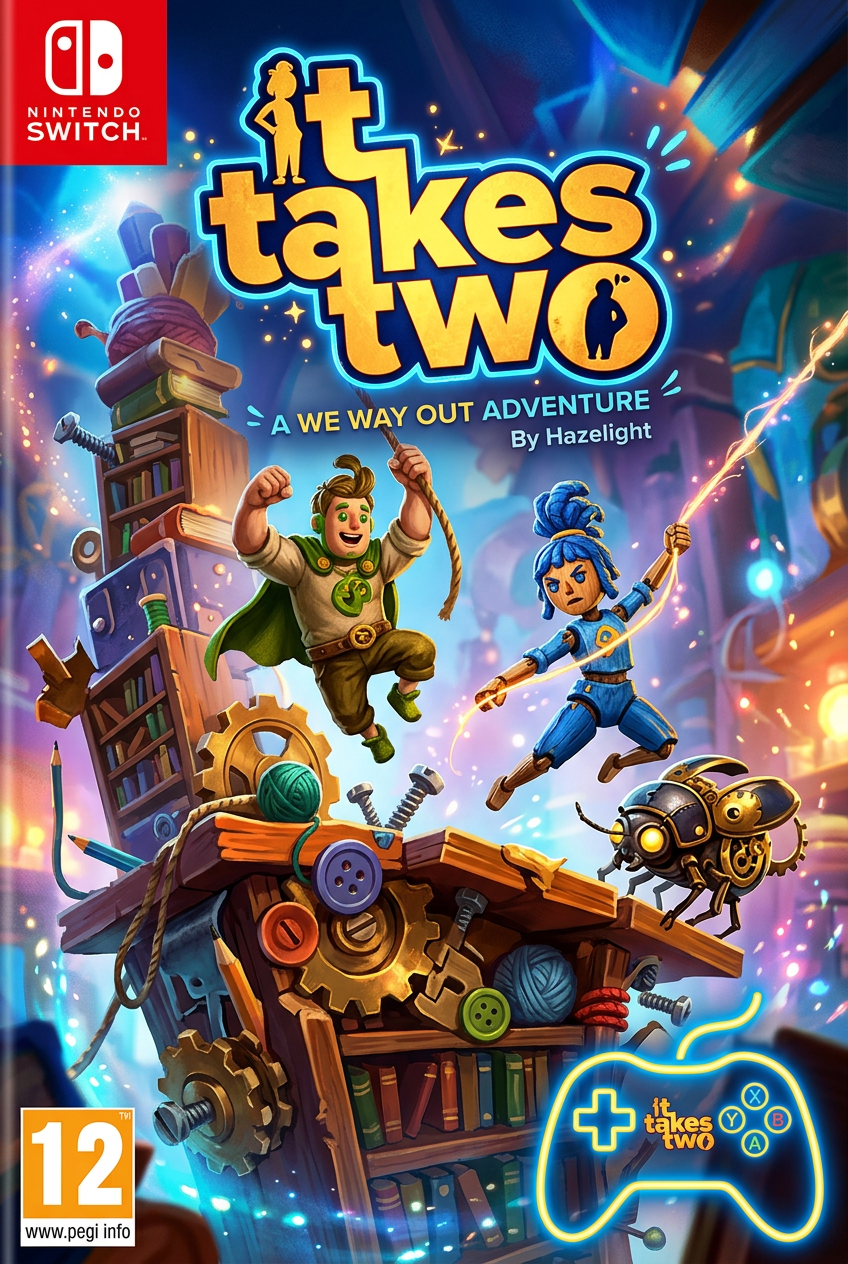 Parent-ApprovedGradeB+
It Takes Two
PlayStation 5 · PlayStation 4 +4
PlayStation 5 · PlayStation 4 · Xbox Series X/S · Xbox One
Parent-Approved ratings · Connection Grade™ scores · Free during Early Access
Real games · Real families
This Week's Parent-Approved Picks
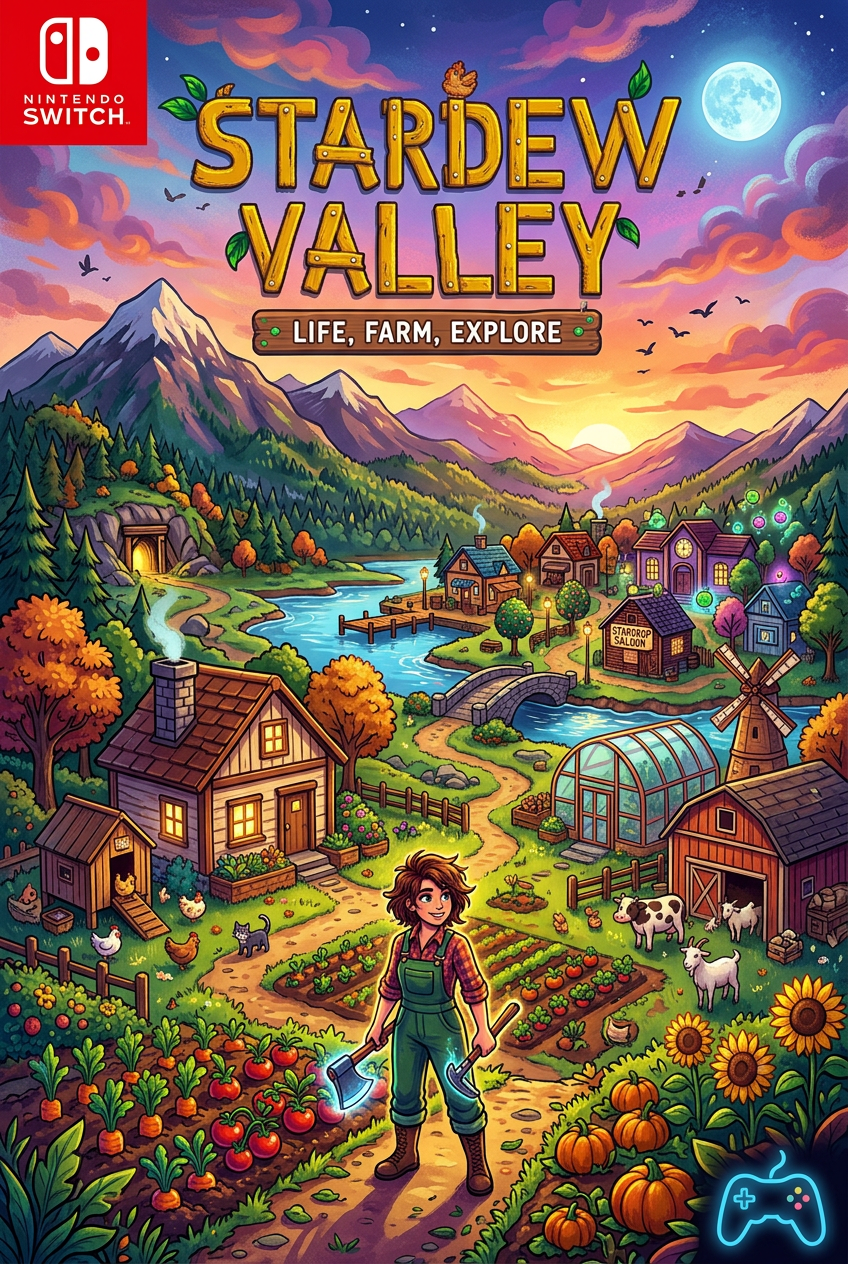 A-Parent‑Approved
Stardew Valley
PC · Mac · Nintendo Switch …
Calm farming co-op that teaches patience and planning.
View Full Breakdown → C+
C+Roblox
PC · Mac · iOS …
Social worlds where families can play side by side.
View Full Breakdown →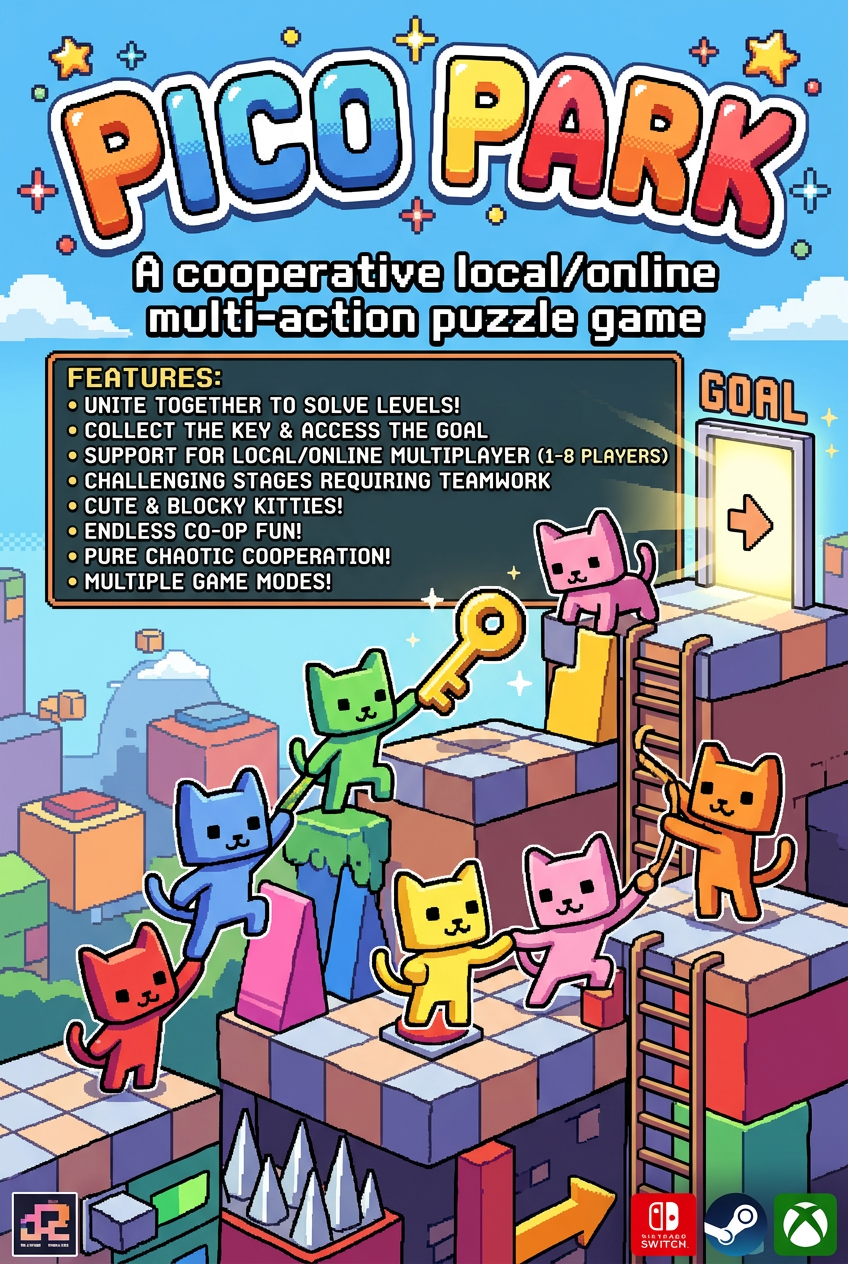 B+Parent‑Approved
PICO PARK
Nintendo Switch · PC (Steam)
Co-op puzzles that demand actual teamwork.
View Full Breakdown → B-Parent‑Approved
Mario Kart 8 Deluxe
Nintendo Switch
The easiest way to get everyone on the couch at once.
View Full Breakdown →What makes a game Parent-Approved?
The Connection Grade™
Every game on CoPlayConnect is graded across four pillars that matter most to families — connection, learning, emotional growth, and how it carries into real life.
See how we grade gamesOverall
B+
Connection
How easily families bond and collaborate through the game.
Learning
How well the game builds cognitive skills and curiosity.
Emotional Growth
How the game supports regulation, resilience, and empathy.
Real-Life Transfer
How naturally the game connects to real-world skills.
We didn't want to parent out of fear.We chose to parent with intention.
Like 54% of parents, we worried about screen time and digital distractions. The headlines made it feel like we were raising our kids in a digital minefield. But instead of banning video games, we chose to lean in. We put on our headsets, sat down with our 7-year-old son, and asked one simple question: “What is your plan for today's session?”
By letting him lead, we watched his spatial reasoning, creativity, and confidence blossom. He didn't just play Minecraft — he got inspired to build his very own video game, Yugoshi Superworld. We built CoPlayConnect to give other parents the exact system and tools we used to turn routine game nights into growth nights.
Hess & Ashli Polanco, Founders of CoPlayConnect & Parents of 2
Featuring their son, G Benny, Creator of Yugoshi Superworld
The Growth Pipeline
From sandbox session to career path
Minecraft
Connection Grade™
Stage 01
Active Collaboration
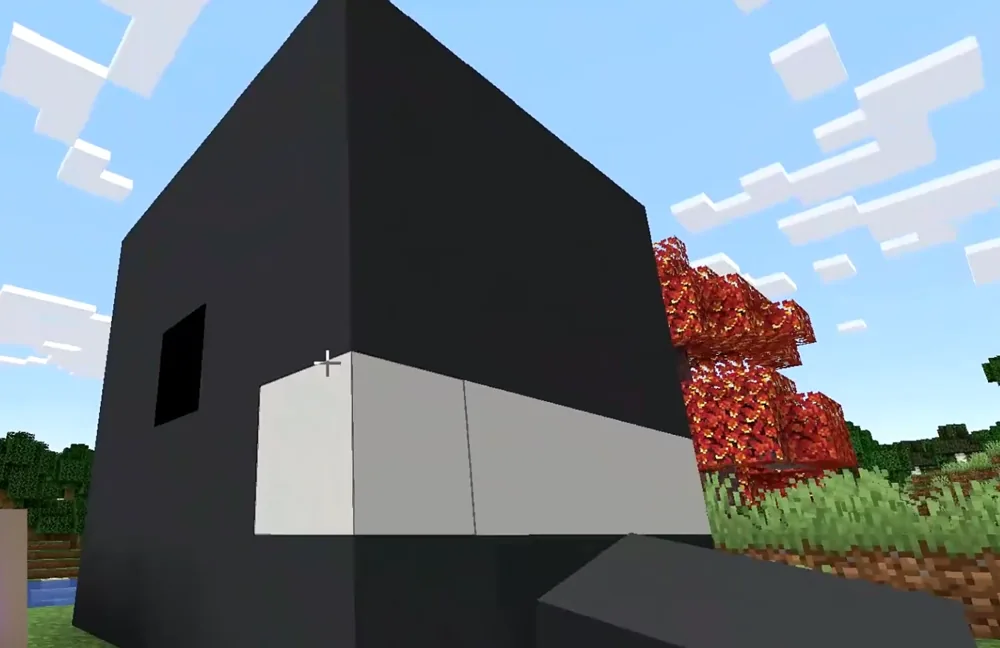
Pillar: Connection (A)We scheduled a family game night in the Game Night Planner and built together — a gray concrete “shark vault,” protectively guarded by fences, designed entirely freestyle by our son.
Playing on equal footing — letting him lead the build while we followed his plan — is exactly what drives a high Connection score.
Stage 02
Creative Exploration
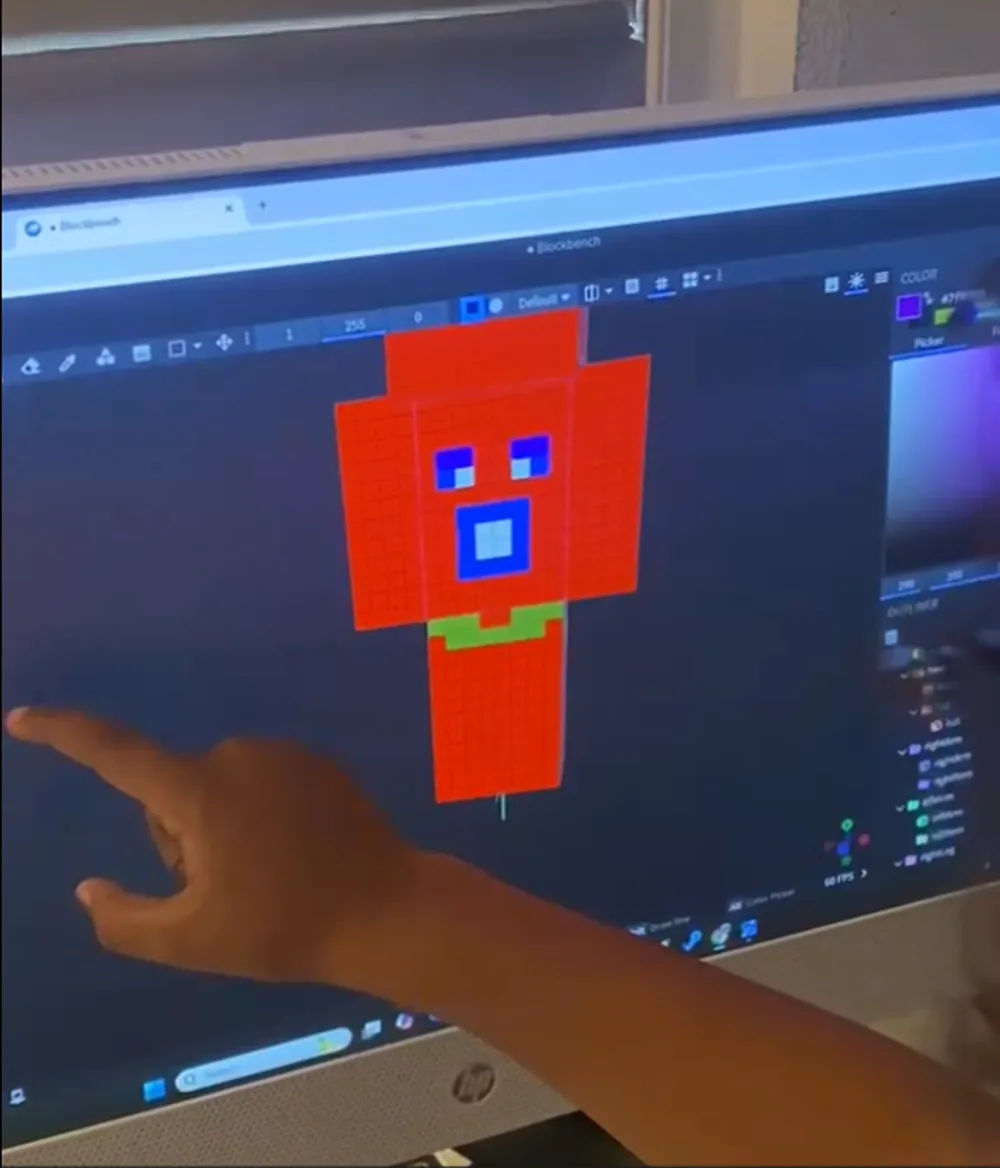
Pillar: Learning (A-)We nurtured that creative spark by introducing real design software. In Blockbench he began sketching his own 3D character models and animating his own assets.
Freestyle building trains spatial reasoning and cognitive problem-solving — the backbone of the Learning pillar.
Stage 03
Future Outlook
Pillar: Real-Life Transfer (A)The dream became a project: developing his own game, Yugoshi Superworld. One sandbox session directly ignited a future in STEM, design, and architecture.
The game's mechanics became a direct bridge into professional design tools and an interest in coding.
Real-Life Transfer achieved
How CoPlayConnect works
Three steps, about ten minutes
You don't need to play the game to understand it. Look up what your child already plays, get a few new picks that fit your family, then put one on the calendar — and keep a record of how it actually went.
Look up a game they already play
Type any game title and get a Connection Grade™ in seconds: an A–F score across Connection, Learning, Emotional Growth, and Real-Life Transfer, plus age fit, what it actually teaches, and what to watch for.
Search a gameGet 3 picks made for your family
Answer two questions — your child's age and what you want out of it (calmer evenings, more talking, screen-time you feel good about) — and GameMatch Arcade™ returns three graded games with a reason for each.
Try GameMatch Arcade™Plan the night and log the moment
Pick a game, a date, and a 30–60 minute window. We send a reminder with conversation starters, and afterwards you jot one line about what happened — it saves to your family Timeline.
Plan a game nightGameMatch Arcade™
Not sure what to play next?
Answer two quick questions and we'll match your family with games worth the evening — then refine it as far as you want.