
 B+
B+CodeSpark Academy
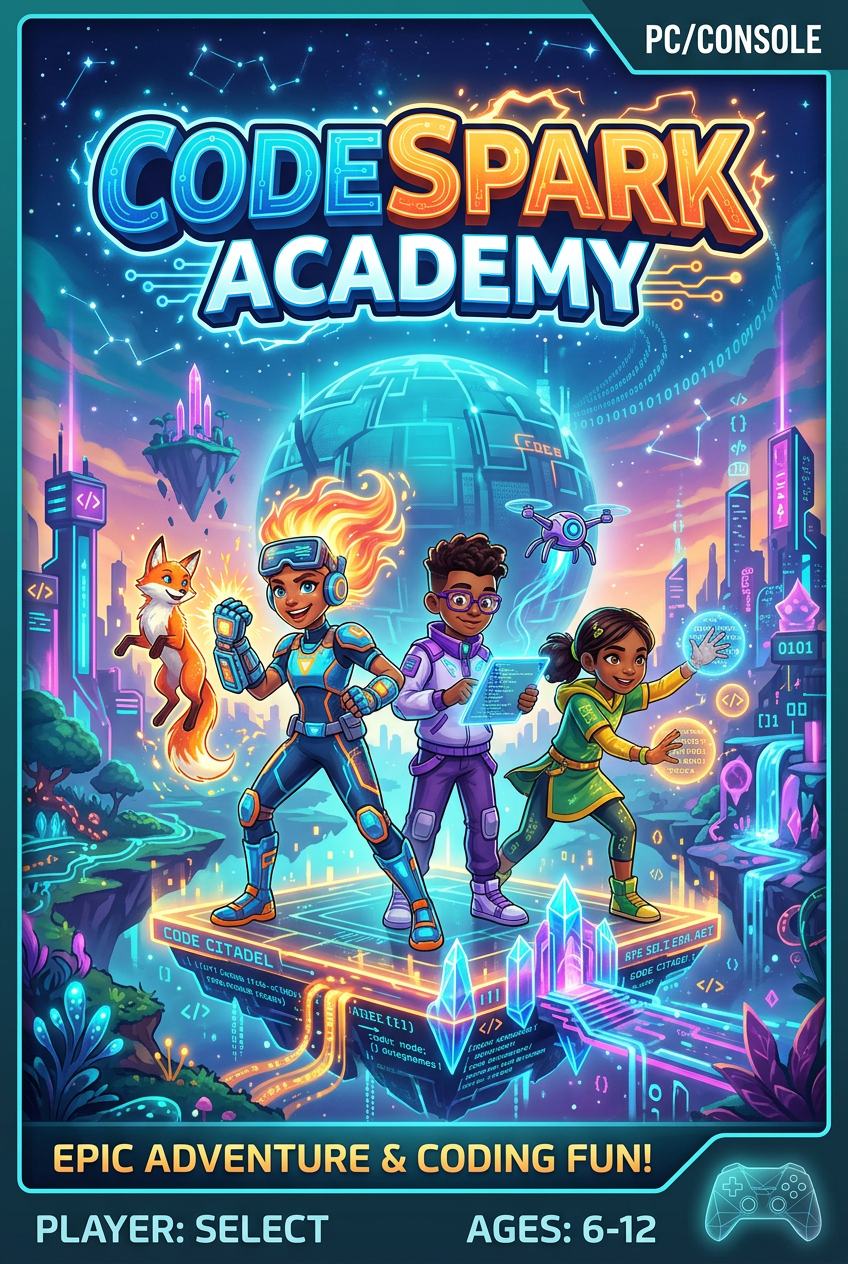
An award-winning platform that teaches the fundamentals of computer science through wordless puzzles and creative game design tools.
Parent verdict
Is CodeSpark Academy good for kids?
Yes — a great pick for most kids
Rated Ages 5-10. Best for logic, creativity, and digital literacy.
Reviewed by Hess Polanco, parent tester & co-founder · Updated April 18, 2026
The busy-parent summary
Time required
10-20 minutes
Safety level
High
Best for
Logic, creativity, and digital literacy
Ages
Ages 5-10
Great for your child
It turns complex coding concepts into fun, character-driven puzzles.
Great for you
It provides a screen-time option that feels productive and requires minimal technical knowledge to help with.
Parent notes
The game is extremely safe with no direct messaging or personal data sharing. Remind children that while they can share levels, they should never use their real name in game titles.
The Connection Grade™ breakdown
Four things we grade, each one judged on what this game actually does. Open any row to see why.
CodeSpark is designed for a single user on a touchscreen, but it naturally supports a driver-and-navigator dynamic where parent and child map out sequences together before hitting run, though older kids often prefer to tap ahead solo.
Skills this builds
- Talking through sequential order together before dragging in command blocks
- Testing and critiquing each other's custom stages in the game creation mode
- Switching between who holds the tablet and who acts out the path
Try this together
When the Foo gets stuck on an obstacle, resist grabbing the screen and ask: 'Which exact block in our queue made him turn too early?'
Parents also ask
Ready to play CodeSpark Academy together?
Put it on the calendar and we'll send a reminder plus a conversation starter.