
 A-
A-Game Builder Garage
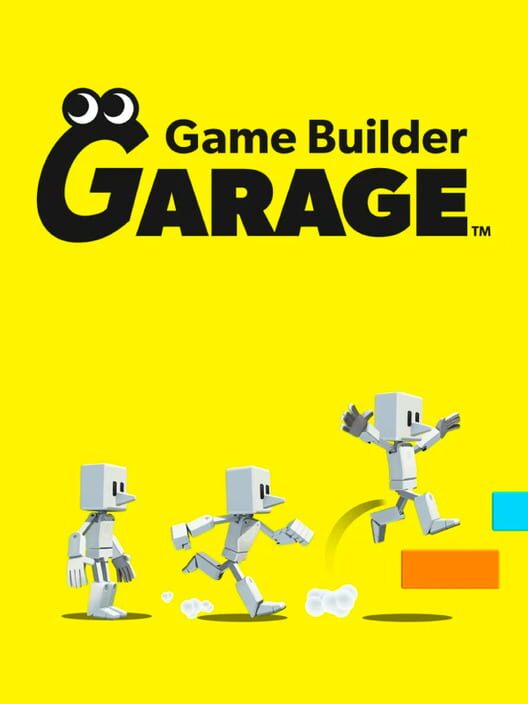
A visual programming game where players connect 'Nodon'—the personified building blocks of game design—to create original video games from scratch.
Parent verdict
Is Game Builder Garage good for kids?
Yes — a great pick for most kids
Rated Everyone (ESRB E). Best for logic, creativity, and career exploration.
Reviewed by Hess Polanco, parent tester & co-founder · Updated April 18, 2026
The busy-parent summary
Time required
15-30 minutes
Safety level
High
Best for
Logic, creativity, and career exploration
Ages
Everyone (ESRB E)
Great for your child
It turns the mystery of how games work into an empowering playground where they are the director.
Great for you
You don't need to be a coder to participate; simply asking how a feature works helps your child learn.
Parent notes
Remind children that while they can share codes with friends, they should not share personal info in game titles. Supervise the 'Received Games' section if they are downloading creations from external community forums.
The Connection Grade™ breakdown
Four things we grade, each one judged on what this game actually does. Open any row to see why.
The software lacks native simultaneous co-op editing, so working together means passing the Joy-Con back and forth or having one person act as the creative director while the other places Nodon.
Skills this builds
- Passing the controller back and forth between designing logic and playtesting the controls
- Co-designing custom sprite textures using the pixel art editor tool
- Brainstorming rules and win conditions together before starting Free Programming mode
Try this together
When testing a new Free Programming build, let your child hold the controller while you try to 'break' their game by walking into corners or spamming jump.
Parents also ask
Ready to play Game Builder Garage together?
Put it on the calendar and we'll send a reminder plus a conversation starter.