
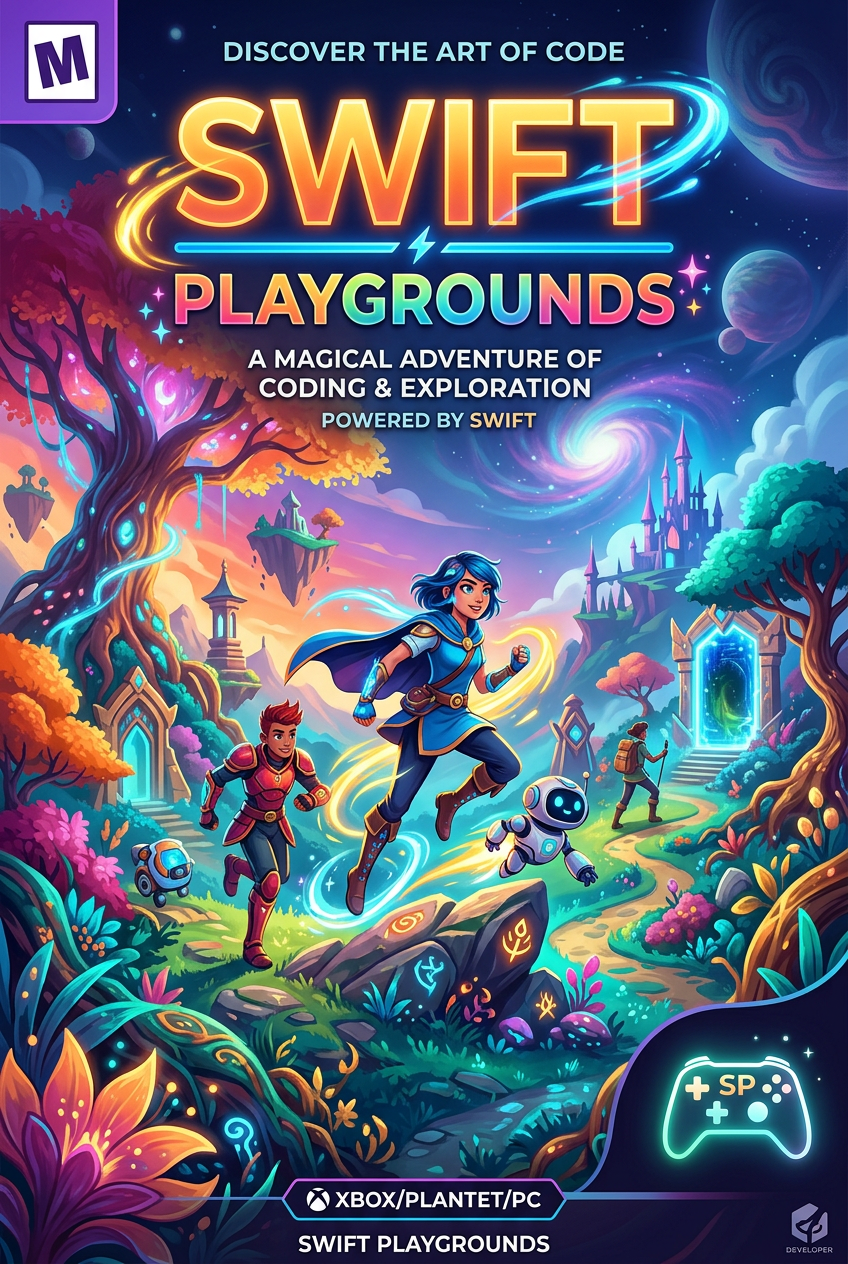
 B+
B+Swift Playgrounds
An interactive app that teaches individuals how to code using Swift, the powerful programming language used by professionals to build world-class apps.
Parent verdict
Is Swift Playgrounds good for kids?
Yes — a great pick for most kids
Rated Ages 4+. Best for logic, persistence.
Reviewed by Hess Polanco, parent tester & co-founder · Updated April 19, 2026
The busy-parent summary
Time required
15-30 minutes
Safety level
High
Best for
Logic, persistence
Ages
Ages 4+
Great for your child
It makes abstract coding concepts tangible and fun through a character-driven world.
Great for you
You can help with logic even if you don't know how to code, strengthening your bond.
Parent notes
Keep the device in a shared family space to encourage discussion. Ensure they are using the age-appropriate lesson tracks (Starting with 'Get Started with Code').
The Connection Grade™ breakdown
Four things we grade, each one judged on what this game actually does. Open any row to see why.
Swift Playgrounds is built entirely for a single player on a touchscreen, meaning parent-child connection relies on an informal driver-and-navigator setup that can easily slip into one person doing all the tapping.
Skills this builds
- Pair programming with one person tracking Byte's path while the other enters commands
- Stepping through puzzle logic together line by line to locate an execution error
- Taking turns holding the device on alternate puzzle stages
Try this together
When Byte misses a switch or walks into water, resist the urge to tap the screen; ask your child to trace Byte's route with their finger on the 3D map first.
Parents also ask
Ready to play Swift Playgrounds together?
Put it on the calendar and we'll send a reminder plus a conversation starter.