Beyond playing
Creator Pathways
Parent guides to coding tools, creator platforms, and learning resources that help curiosity become a real skill.
11
curated starting points
5+
skill directions
Under constructionThis section is still being built — new guides and tools are added regularly.
Blender
The free, professional-grade 3D tool used in real studios — and a serious step up for creative teens.
Blockbench
A free, friendly 3D modeler kids use to build their own Minecraft mobs, skins, and game characters.
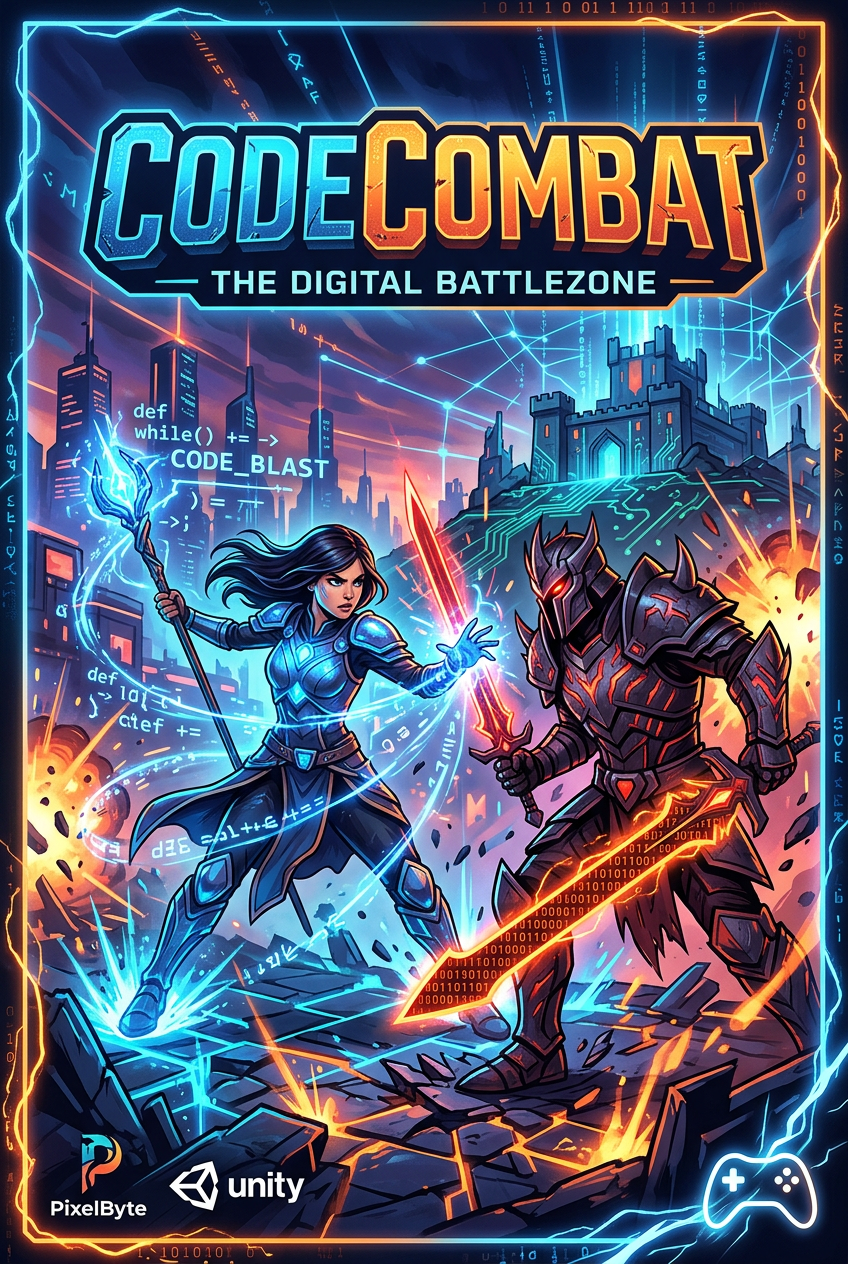
CodeCombat
Learn real Python or JavaScript by writing commands inside an adventure.
Godot Engine
A free, open-source engine for teens who have outgrown block coding and want to build real games.
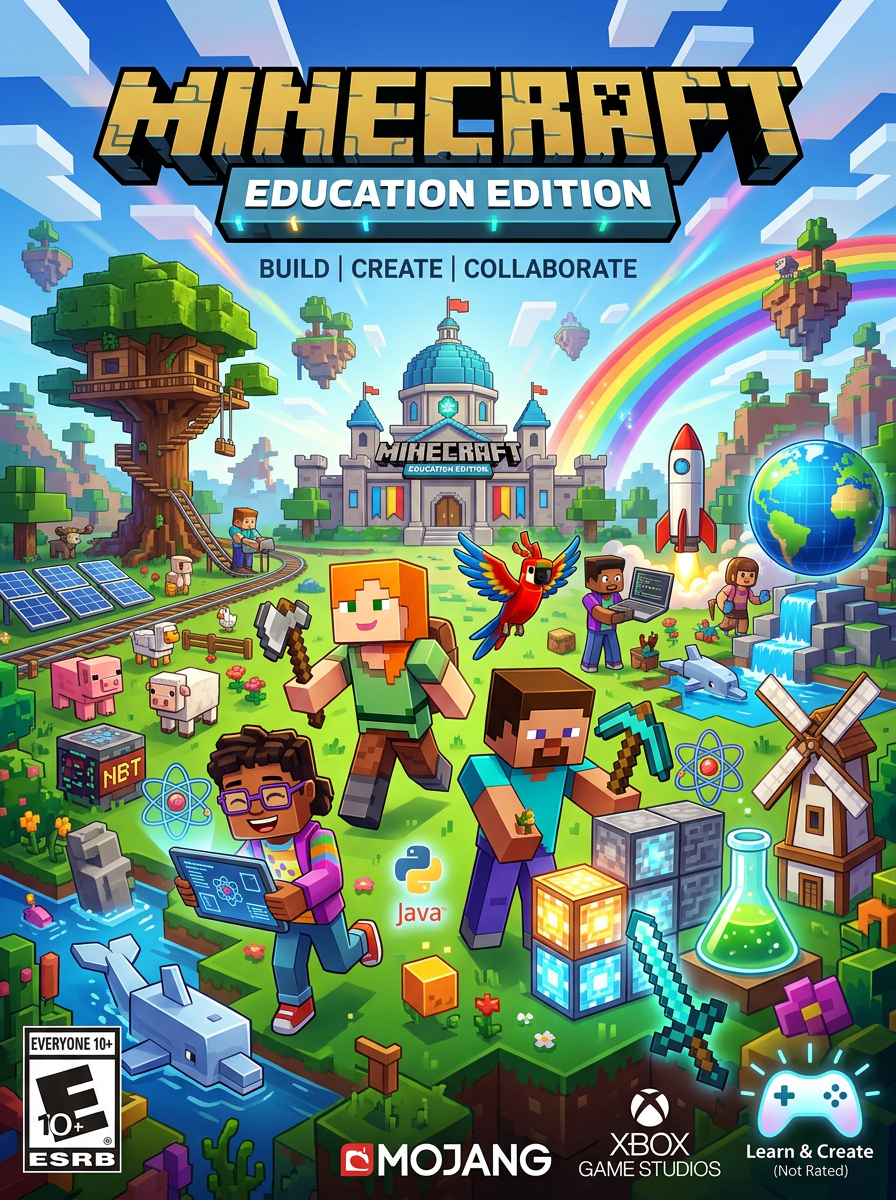
Minecraft Education Edition
Minecraft adapted for structured lessons, collaborative projects, coding, and classroom learning.
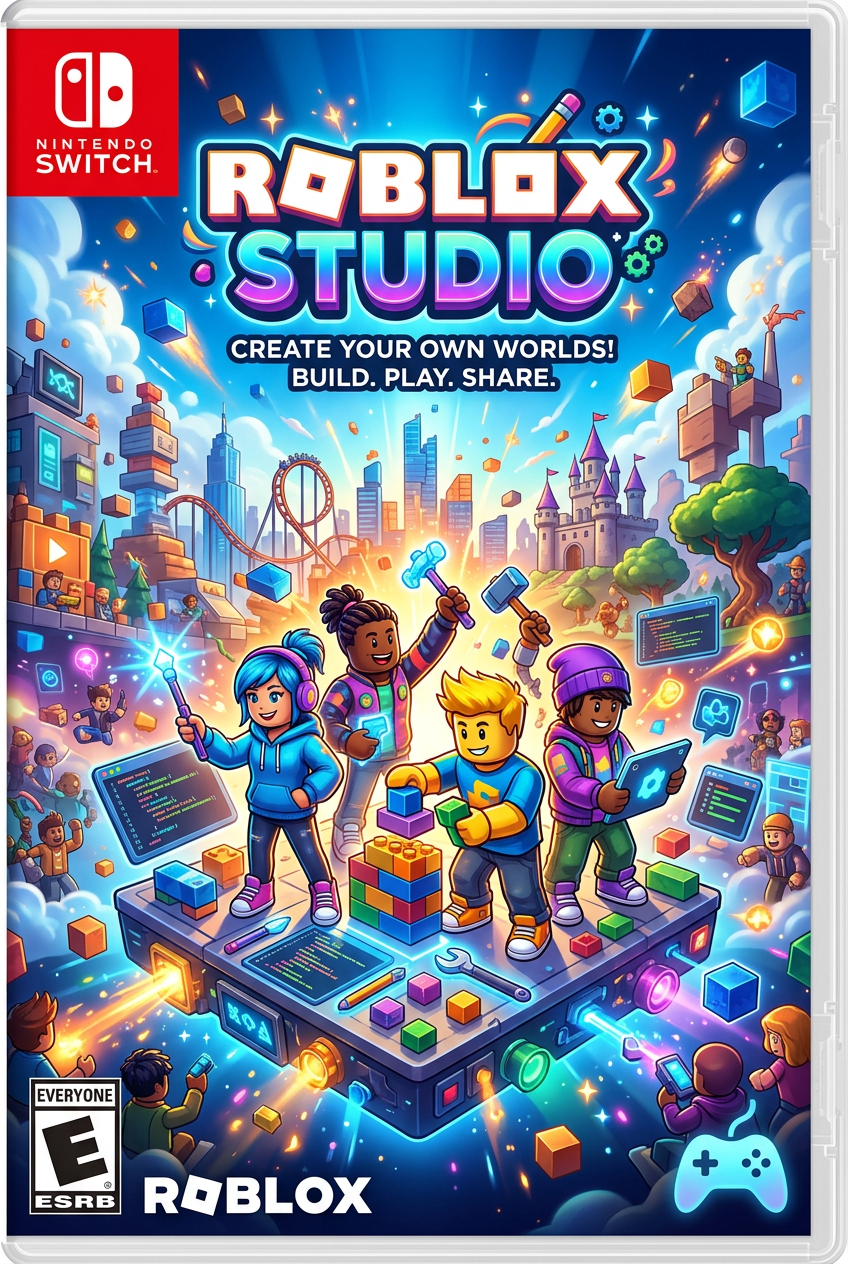
Roblox Studio
The tool behind Roblox experiences, combining 3D world building with Luau scripting.
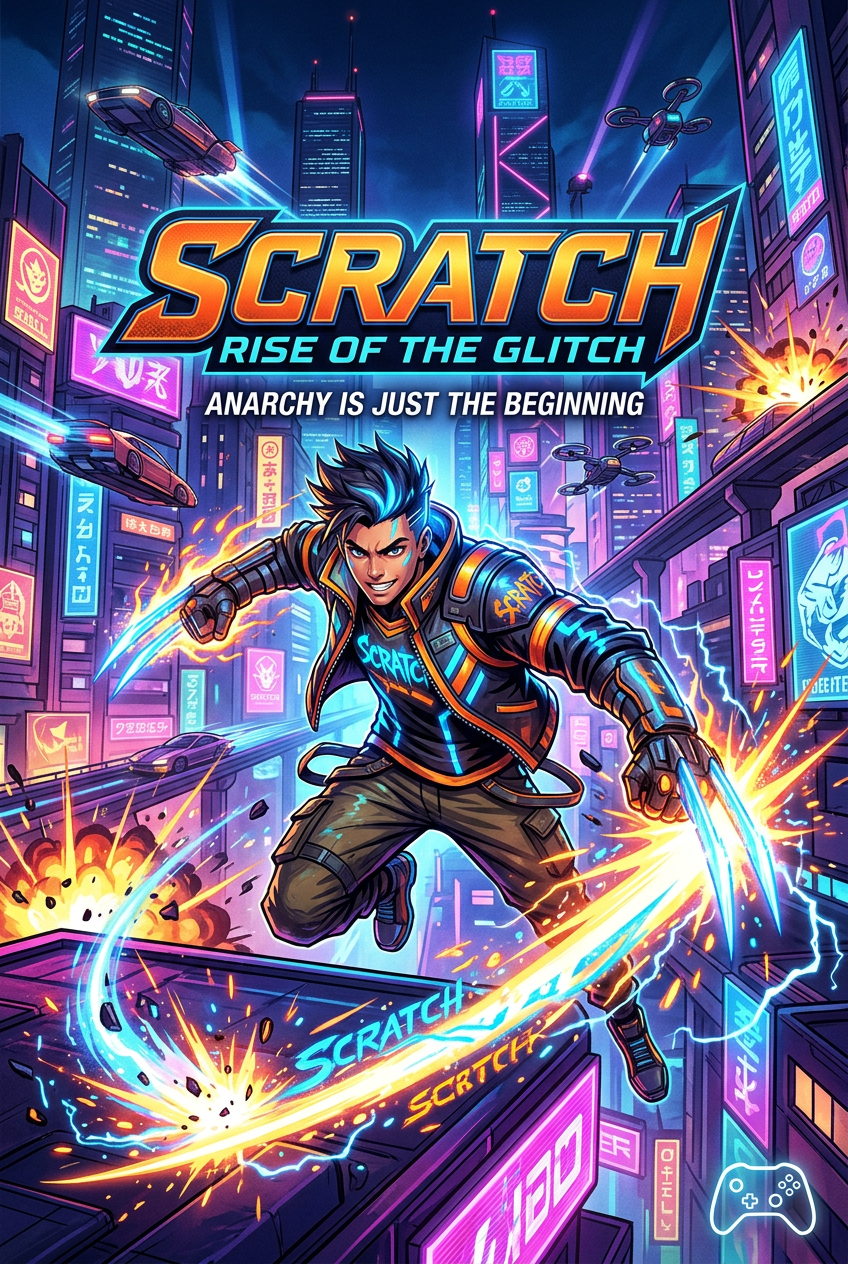
Scratch
The best-known starting place for children to code stories, animations, and games.
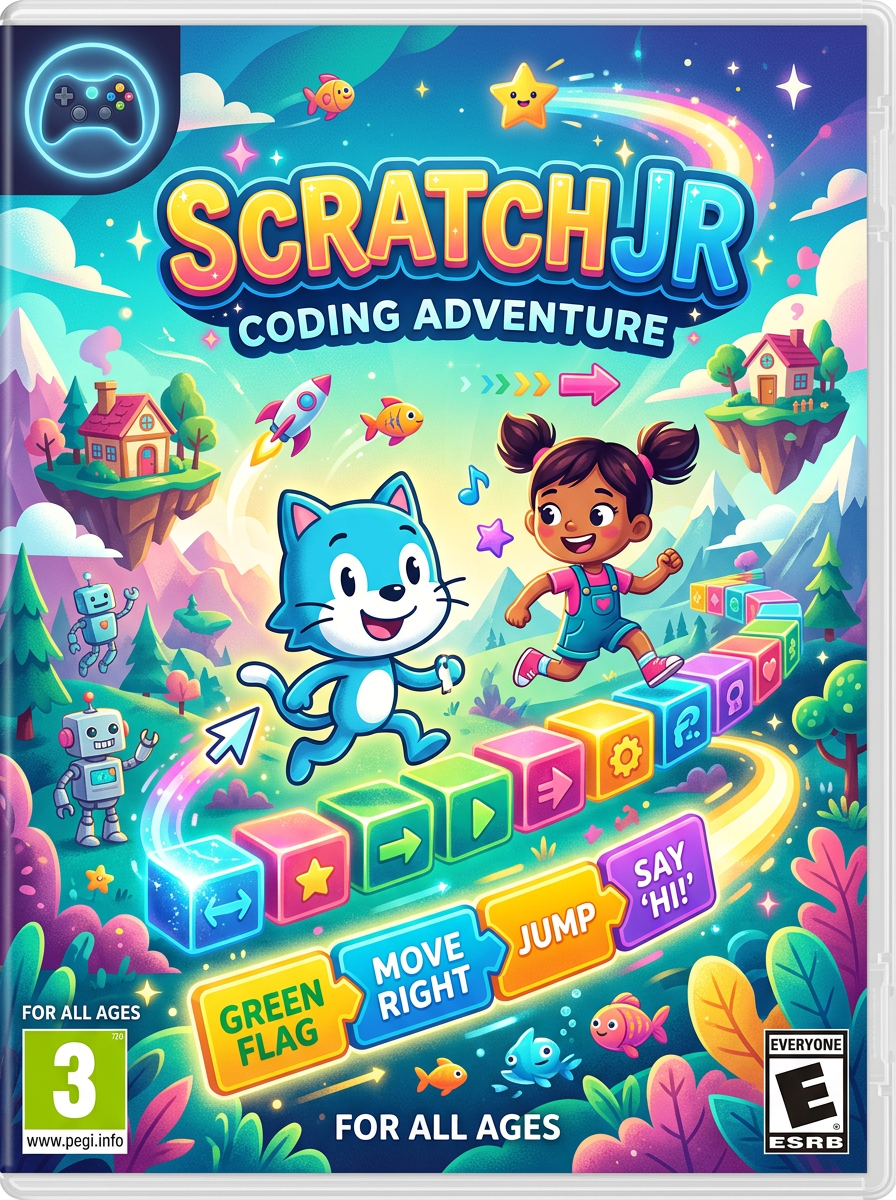
ScratchJr
A gentle, reading-light introduction to making interactive stories with code blocks.
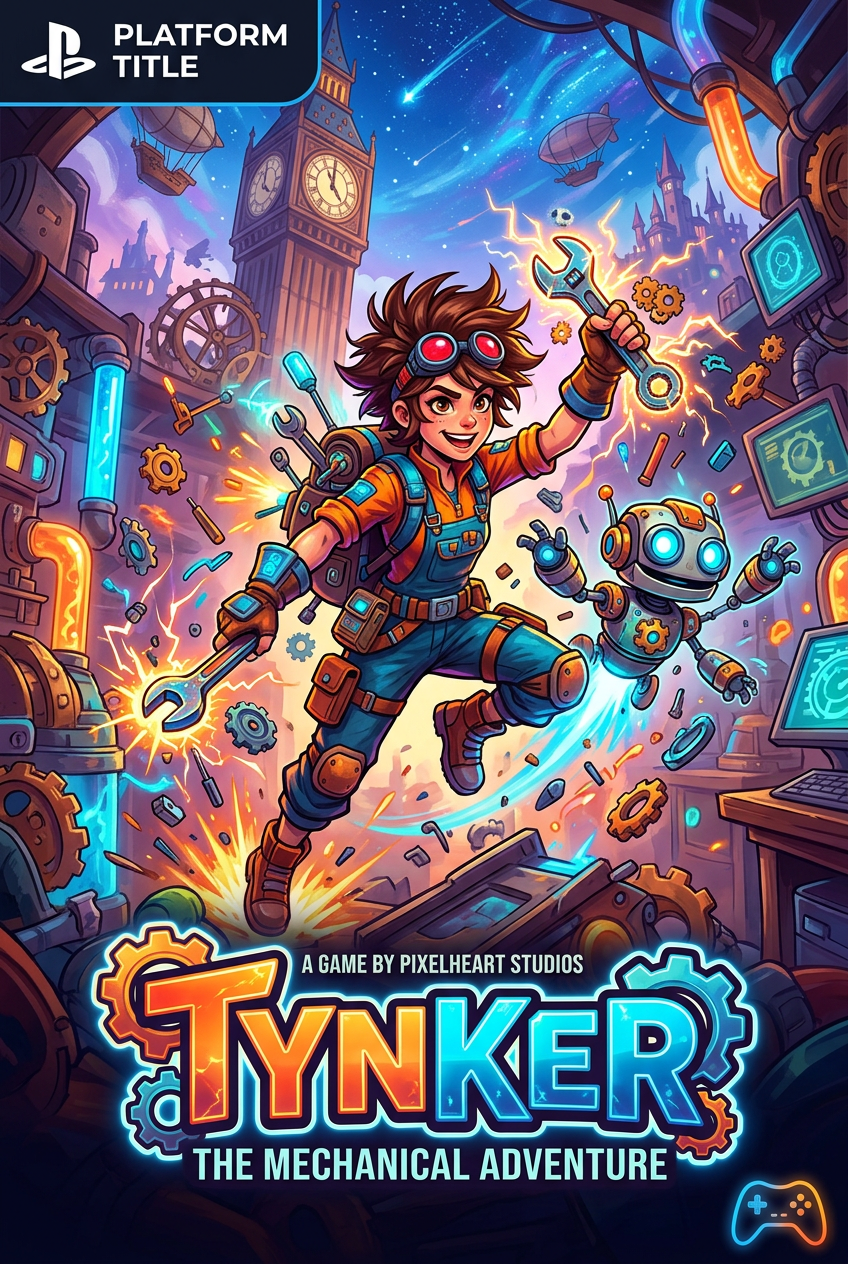
Tynker
Guided coding lessons that grow from visual blocks into real programming languages.
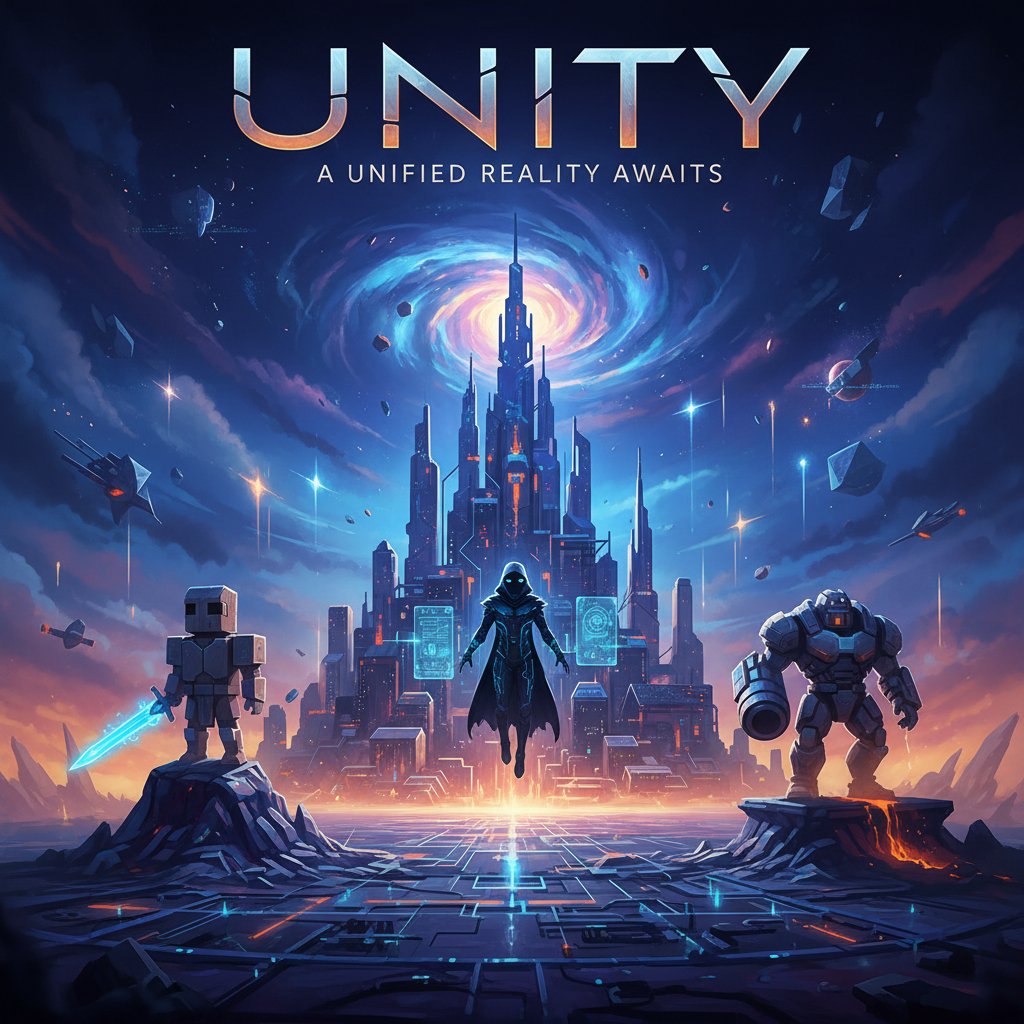
Unity
A professional 2D and 3D creation engine for ambitious young makers.
Unreal Engine
A high-end 3D creation engine for teens ready to build cinematic worlds and games.